Web App Project
Creating custom message templates made easy with our latest web app
The Challenge
The biggest challenge that we faced while developing this solution was to implement the dynamic editor. We had to implement a dynamic editor that can have different dynamic values in the template. Also, this dynamic value should have a number of options that a user can choose as per his requirements.
Secondly, the desktop and mobile versions weren’t maintained by mobile runtime CSS. This was because both had separate designs. So, it was a challenge for us to sync them both.
The Solution
To overcome the above challenge for implementing the dynamic editor we have used draftjs. Draftjs is a Facebook library. We used draftjs since it was free. Furthermore, it’s also very easy to use.
To overcome the second challenge of syncing desktop as well as the mobile version we used Media Queries. We used Media Queries as it maintained the mobile version depending upon the screen width and too without refreshing. Moreover, it also helped us to boost the speed and enhance the web app’s UI and overall look.
Key features
Create event
User can create the event which will be the main subject of the message template. The event name helps the user to distinguish among other events.
Create channel
Users can create various channels for publishing the message template on various social platforms like Facebook, Twitter, Instagram, etc.
Create mail and sub mail
Users can create mail and submails. For example, they can group employees of a specific portfolio from different companies.
Create report
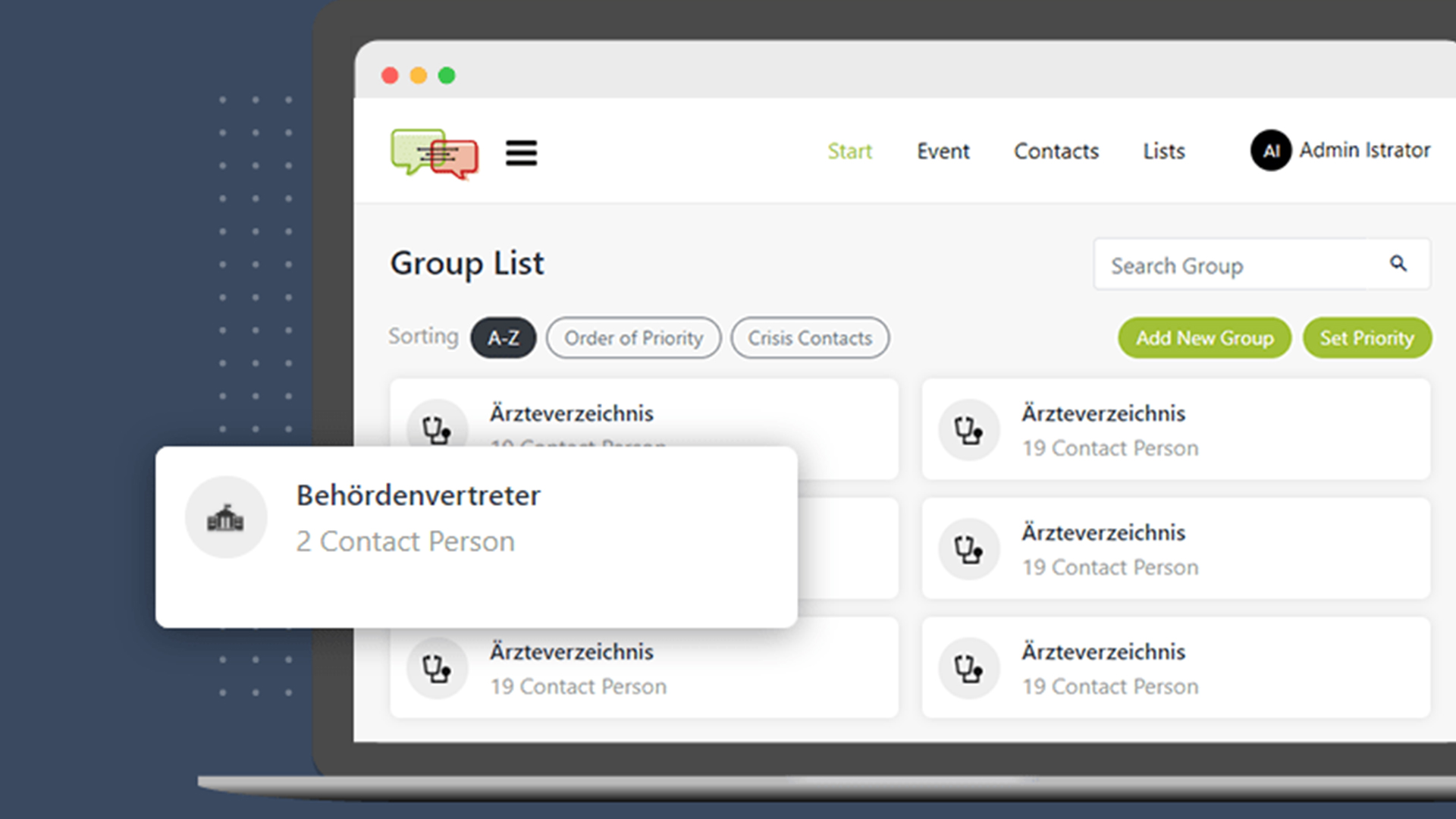
User can also create various groups of message templates within the event. This helps them to have multiple template messages without creating a new event.
Create groups and sub group
Users can create groups and sub groups. For example, they can create groups for different companies and sub groups for different teams within the company.
Add dynamic field
User can also add the different dynamic fields to the person list as per his convenience. This makes creating message templates even more customized, easier, and faster.